

Quick charge explained in one line: it is any charging mode that pushes more power into your battery than the old 5V/1A baseline, and "Quick Charge" with capital letters is only one brand's version of it. Your phone, cable and charger must all speak the same protocol, and your real speed is set by the weakest of the three, not by the biggest number printed on the charger.
TL;DR:
- Two meanings. "Quick Charge" is a Qualcomm trademark, while "quick charge" or "fast charge" is the generic idea that every modern phone uses in some form.
- The phone decides. Under USB Power Delivery, your phone asks for a voltage and current, so a 100W charger will not overpower a phone that only wants 25W.
- 25W vs 45W. A 45W charger is faster only if your phone accepts 45W, and charging slows sharply past roughly 80%.
- Read the label. Multiply volts by amps on the charger's output line. Multi-port chargers split that power between ports.
- Cables count. Anything above 60W needs a USB-C cable with an e-marker chip rated for 5A.
Table of Contents
- Quick Charge Explained: A Brand Name and a Category
- The Protocols Behind the Label, Compared
- Who Decides the Speed: The Charger, the Cable or the Phone
- Which Charger Is Faster, 25W or 45W?
- Can You Use a 100W Charger on Your Phone?
- How to Tell How Fast a Charger Will Charge
- How to Get Your Phone to Quick Charge: Brand by Brand
- Get a 100W Power Bank That Quick Charges Away From the Wall
- Frequently Asked Questions
- Sources
Quick Charge Explained: A Brand Name and a Category
People use "quick charge" for two different things, and mixing them up is why so many chargers disappoint.
Qualcomm's Quick Charge is a specific protocol family, found mostly in Android phones built on Snapdragon chips. The lowercase version, "quick charge" or "fast charge," is the general idea: send more power than the 5V at 1A to 2A that early USB chargers delivered. Samsung, Apple, Huawei and every other phone maker do this in their own way.
Power is volts times amps. Old USB gave you 5V at 1A, which is 5W. A modern fast charger might negotiate 9V at 3A (27W) or 20V at 5A (100W). The battery cannot take that voltage directly, so the phone steps it down internally. That conversion generates heat, which is why fast charging always comes with thermal limits.
The Protocols Behind the Label, Compared
Most "fast" chargers use one of a handful of protocols. Here is how they compare.
| Protocol | Typical voltages | Typical max power | Where you meet it |
|---|---|---|---|
| Standard USB | 5V | 5 to 7.5W | Old chargers, USB-A ports |
| Quick Charge 3.0 | 3.6V to 20V, adjustable | About 18W | Older Snapdragon Android phones |
| USB Power Delivery (PD) 3.0 | 5V, 9V, 15V, 20V | Up to 100W | iPhones, Pixel, laptops, most new phones |
| USB PD with PPS | 3.3V to 21V in 20mV steps | Varies, often 25W to 45W | Samsung's higher tiers, many recent Androids |
| Proprietary (brand-specific) | Varies | Often 40W to 100W+ | Huawei SuperCharge and similar systems |
USB Power Delivery is defined by the USB Implementers Forum, and it is the one worth caring about. It works across brands, and the EU has made USB-C the common port for phones. Directive (EU) 2022/2380 also requires devices that support fast charging to use USB PD. In Europe, PD is the safe default.
PPS (Programmable Power Supply) is an extension of PD that lets the phone adjust voltage in tiny steps for less heat. If your phone supports PPS and your charger does not, you will still charge, just slower.
Who Decides the Speed: The Charger, the Cable or the Phone
The charger lists what it can offer, and your phone picks from the menu. A charger never pushes power on its own.
Under USB PD, the phone chooses the power. A 100W charger will deliver exactly as much as your phone asks for, and a 25W phone will ask for 25W.
Three things limit your speed, and the lowest one wins:
- The phone's ceiling. A phone built for 25W will never draw 45W, no matter what you plug it into.
- The charger's profile. If your phone needs PPS at 9V and the charger only offers 5V and 9V fixed steps, you fall back to a slower mode.
- The cable. Most USB-C cables carry 3A, which is 60W at 20V. A 100W profile needs a 5A cable with an e-marker chip inside.
I would rather you own one good PD charger and one good cable than five random bricks. Mixed gear is where most "why is this slow?" complaints begin.
Which Charger Is Faster, 25W or 45W?
The 45W charger is faster only if your phone can use 45W. Otherwise they are identical.
Say your phone has a 5,000mAh battery at a nominal 3.85V. That is about 19 to 20Wh. At a flat 25W, a full charge takes about 48 minutes in theory. At a flat 45W, it takes roughly 27. That is a 21-minute gap on paper.
The paper figure never holds, because lithium batteries slow down as they fill. Most phones hold their top speed for the first stretch, then taper hard past about 80% to protect the cell. The real-world gap shrinks to a modest amount, and it disappears if the phone caps at 25W.
My pick: if your phone supports 45W (Samsung's higher-end models do), buy 45W and enjoy the quicker first half hour. If your phone tops out at 25W or less, a 30W charger is plenty and will run cooler. Pay for the wattage your phone can accept, unless you also want to charge a tablet or laptop from the same brick.
Can You Use a 100W Charger on Your Phone?
Yes. It is safe, and often a smart purchase.
Because the phone controls the draw, a 100W charger gives a phone only what it requests, typically 15W to 45W. The headroom is not wasted. The same charger can run a laptop at full speed later, and our guide to charging a MacBook covers what wattage laptops need.
There are two caveats:
- Cheap, non-compliant chargers. A poorly built charger can mis-negotiate voltage. Buy chargers that list USB PD certification and come from a brand with a return policy.
- Multi-port sharing. Many 100W chargers split power when you plug in a second device. Your phone might get 20W instead of 45W once a laptop joins.
The fear that it will fry your phone is a leftover from the days when chargers pushed fixed output. PD does not work that way.
How to Tell How Fast a Charger Will Charge
Flip the charger over and read the output line. You will see something like 5V/3A, 9V/3A, 15V/3A, 20V/3.25A. Each pair is a profile the charger can offer, and multiplying volts by amps gives you watts for that profile.
Here is the quick method:
- Find the highest pair. 20V × 3.25A is 65W, so this is a 65W charger.
- Check for PPS. Look for "PPS" or ranges such as
3.3-21V. If your phone needs PPS for its top speed, this matters. - Count the ports. A "100W" label often means the combined maximum. A single port may offer less, or the total drops when two ports are in use.
- Look for the phone side. Your phone's spec sheet lists its maximum charging wattage and supported protocols. Match that to the charger.
If the label shows only 5V/2A, you have a 10W charger, whatever the packaging claims. If the label lists no PD profiles at all, the box is probably advertising a brand-specific mode that only works with a matching phone.
How to Get Your Phone to Quick Charge: Brand by Brand
The steps are the same everywhere: a compatible charger, a rated cable, and a cool phone. The details differ by brand.
Samsung
Samsung sells tiered speeds, with 25W and 45W being the common ones. Both use USB PD, and the 45W tier needs PPS support plus a 5A-rated cable. Check Settings, then Battery, then Charging, and make sure fast charging is switched on.
iPhone
Recent iPhones use USB PD over USB-C. According to Apple's support documentation, a 20W or higher adapter gets supported models to around 50% in about 30 minutes. A bigger adapter gains you very little after that, because the phone caps its own draw.
Other Android phones
Pixel and most mainstream brands follow USB PD, often with PPS. Older Snapdragon phones may use Quick Charge 3.0. A PD charger can still charge them quickly in many cases, though top speed sometimes requires the matching protocol.
Huawei
Huawei's SuperCharge is built on proprietary protocols. For full speed, use the supplied charger and cable. On a generic PD charger, many Huawei phones fall back to a slower standard mode, so check the model's spec page.
Pro Tip: Fast charging speed depends on heat as much as on watts. A phone in a thick case, lying in sun or running a game will throttle itself and charge slower than the same phone on a table with the screen off. If your charger "feels slow," try charging with the case off and the display dark for ten minutes before replacing hardware.
Get a 100W Power Bank That Quick Charges Away From the Wall
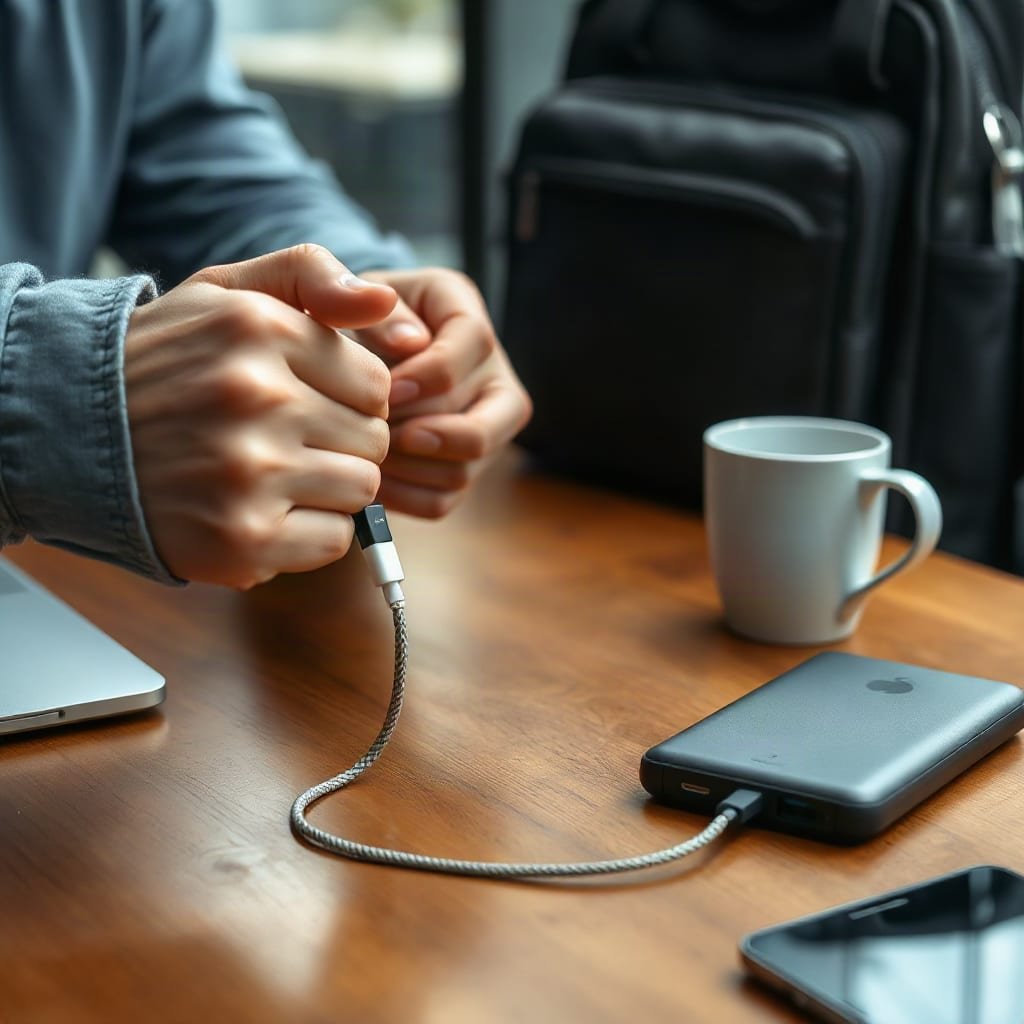
Everything above assumes a wall socket. On a trail, a long train ride or a remote work stint, you need that PD negotiation to happen from a battery.
The Ifory 40000mAh 100W Power Bank speaks USB PD, so your phone gets the profile it asks for, and the 100W ceiling means a laptop can draw its full wattage too. At 40,000mAh it is about 148Wh, which matters if you fly (see our note on carrying a 40000mAh power bank on a plane). Pair it with the 40W portable solar panel and you can top it up off-grid. Our solar power for charging phones guide explains what size panel you need. A bundle comes with a free-panel promotion, free shipping and 30-day returns.
The limit: 100W is the maximum, not a promise for every port at once, and your phone will draw only what it supports. The solar panel's 40W rating also needs strong, direct sun, so check the spec sheet and expect a slow refill on cloudy days.
Frequently Asked Questions
How do I get my phone to quick charge?
Use a charger that supports your phone's protocol (USB PD for most modern phones), a quality USB-C cable rated for the power you want, and keep the phone cool. Check your phone's settings for a fast charging toggle. Charging with the screen off and without a thick case helps it hold top speed longer.
Which charger is faster, 25W or 45W?
The 45W charger is faster only if your phone supports 45W charging. If your phone caps at 25W, both chargers charge it at the same speed. Even with a 45W phone, the gain is mostly in the first 80% because charging tapers near full.
Can I use a 100W charger for my phone?
Yes. With USB Power Delivery, the phone requests the power it needs, so a 100W charger delivers only 15W to 45W to a typical phone. Choose a certified charger and watch for multi-port power sharing.
How to tell how fast a charger will charge?
Read the output line on the charger and multiply volts by amps, so 20V × 3.25A equals 65W. Look for PD and PPS listings, then compare with your phone's maximum charging wattage. The lower of the two numbers is your real speed.
Is Quick Charge the same as fast charging?
No. Quick Charge is Qualcomm's trademarked protocol, while fast charging is the general category. Most phones now use USB Power Delivery instead of Quick Charge.
Sources
- USB Power Delivery | USB Implementers Forum
- Quick Charge | Qualcomm
- Directive (EU) 2022/2380 on radio equipment and common chargers | European Union (EUR-Lex)
- Apple Support | Apple