

Yes, a 100W power bank will charge a gaming laptop, but it usually can't keep up while you play on it. Most gaming laptops ship with 180W to 300W adapters and pull 150W or more under load, so a 100W source slows the battery drain instead of reversing it. For browsing, editing, or idle charging it works fine. For heavy play, expect throttling or a battery that keeps falling.
TL;DR:
- A 100W power bank charges a gaming laptop at full speed only when the laptop is idle or doing light work. Under a game load, the laptop's own battery covers the gap.
- USB Power Delivery 3.0 tops out at 100W. Gaming laptops that need 140W-240W require the newer PD 3.1 EPR spec or a proprietary barrel-jack adapter.
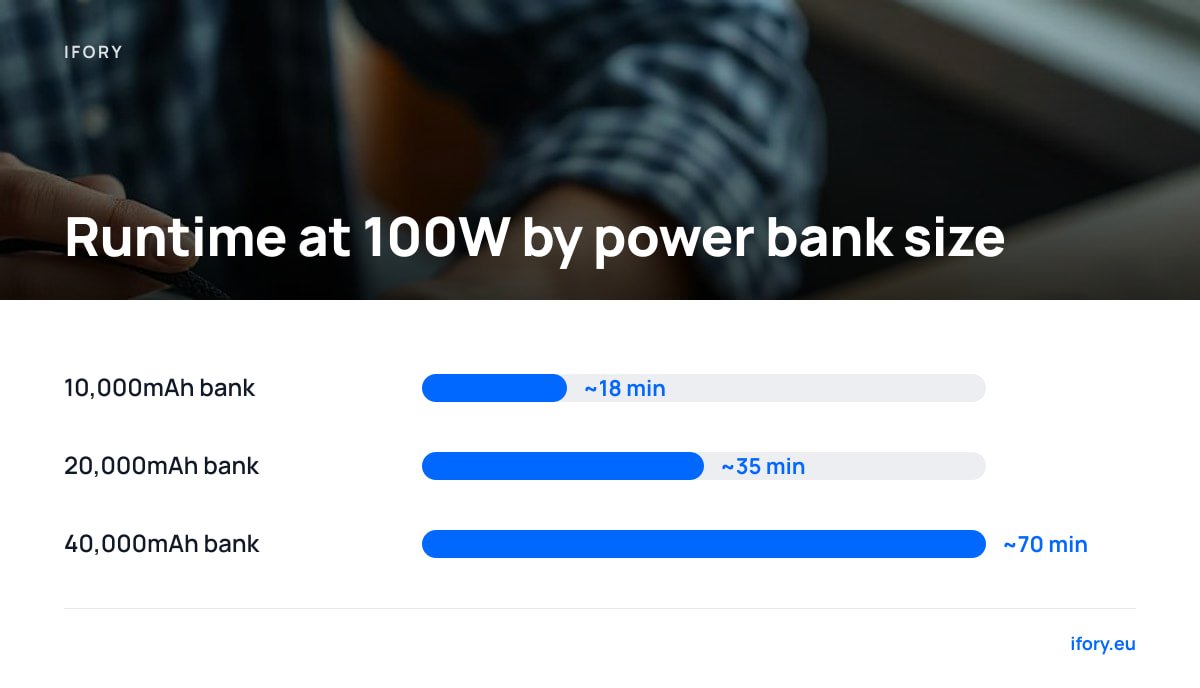
- A 40,000mAh bank holds about 148Wh and gives roughly 70 minutes at a steady 100W draw. A 20,000mAh bank gives about 35 minutes.
- A 100W charger will usually run a 120W laptop, but expect slower charging and possible throttling at full load. Check the laptop's behavior before you travel.
- Cables decide the outcome as often as the bank does: you need a 5A, e-marked USB-C cable to carry 100W at all.
Table of Contents
- Will a 100W Power Bank Charge a Gaming Laptop? Three Outcomes, Depending on Load
- The Math Nobody Shows: Watt-Hours Per Hour of Play
- Can I Use a 100W Charger for My 120W Laptop? (and Your 240W One?)
- Cables, Ports, and Plugs: Where the 100W Quietly Disappears
- What Size Power Bank Do I Need? Can 10,000 or 20,000mAh Charge a Laptop?
- Flying With a Big Bank: The 100Wh Line
- Can I Use a 100W Charger for My Power Bank?
- Get 100W and 148Wh Into Your Pack for Off-Grid Work and Light Gaming
- Frequently Asked Questions
- Sources
Will a 100W Power Bank Charge a Gaming Laptop? Three Outcomes, Depending on Load
The honest answer depends on what the laptop is doing when you plug in. There are three scenarios:
- Laptop idle or asleep. The bank charges the battery at up to 100W, minus whatever the system itself uses. A full charge takes roughly as long as it would from a 100W wall adapter.
- Light work. Web, documents, video calls, and light editing typically use 20W to 60W, so the bank covers the load and still tops up the battery.
- Heavy gaming. Here the load can hit 150W to 250W. The bank delivers its 100W, and the laptop pulls the missing watts from its own battery, or it lowers GPU and CPU power limits to fit the supply. You get a "charger" icon on screen while the percentage still drops.
Some laptops also refuse to charge at all from a source far below their rated adapter, or show a "low-wattage adapter" warning in firmware. Those are the cases the obvious "100W is plenty" answer misses. Forum threads on this topic are full of people surprised by that last scenario. It's a design choice by the laptop maker, not a defect in the bank.
The Math Nobody Shows: Watt-Hours Per Hour of Play
Wattage tells you speed. Watt-hours tell you how long it lasts. A power bank's rated capacity is quoted at the cell voltage, typically 3.6V to 3.7V, so 40,000mAh works out to about 148Wh. Conversion losses and voltage boosting mean you can realistically use about 80% of that, or roughly 118Wh.
Here is an illustrative session. Say your laptop draws 150W in a game and your bank supplies 100W:
- The bank runs flat in about 70 minutes (118Wh ÷ 100W).
- Over those 70 minutes the laptop consumes about 175Wh, so roughly 57Wh comes from its own battery.
- If the laptop has an 80Wh battery, you finish the hour with around 30% left and a dead bank.
A 40,000mAh bank holds about 148Wh, and at a steady 100W draw you will get roughly 70 minutes of output, not the "all-day" runtime the mAh number suggests.
If your game pulls 200W or more, the numbers get worse quickly. Treat a 100W bank as a way to stretch a gaming session, not to hold the laptop at 100%.
Can I Use a 100W Charger for My 120W Laptop? (and Your 240W One?)
Usually yes, with caveats. A laptop will accept a lower-wattage charger if the voltage and connector are compatible, then run slower or throttle to match. A 100W source on a 120W laptop is a 17% shortfall, which is small. You will likely lose a little peak performance in demanding games, and the battery will charge more slowly while you play.
The bigger issue is the standard. USB Power Delivery 3.0, as maintained by the USB Implementers Forum, tops out at 100W: 20V at 5A. The 3.1 revision added Extended Power Range, with 28V, 36V, and 48V levels reaching 240W.
USB PD 3.0 stops at 100W (20V at 5A). Anything above that needs the PD 3.1 EPR spec and a cable rated for it.
So a 140W-to-240W gaming laptop either speaks PD 3.1 EPR or uses a proprietary barrel-jack adapter. A standard 100W bank can't deliver the higher voltage. If your laptop has a USB-C port but a 230W brick, check the manual: that USB-C port may only be rated for 100W or less, built for charging at low load rather than for gaming.
Cables, Ports, and Plugs: Where the 100W Quietly Disappears
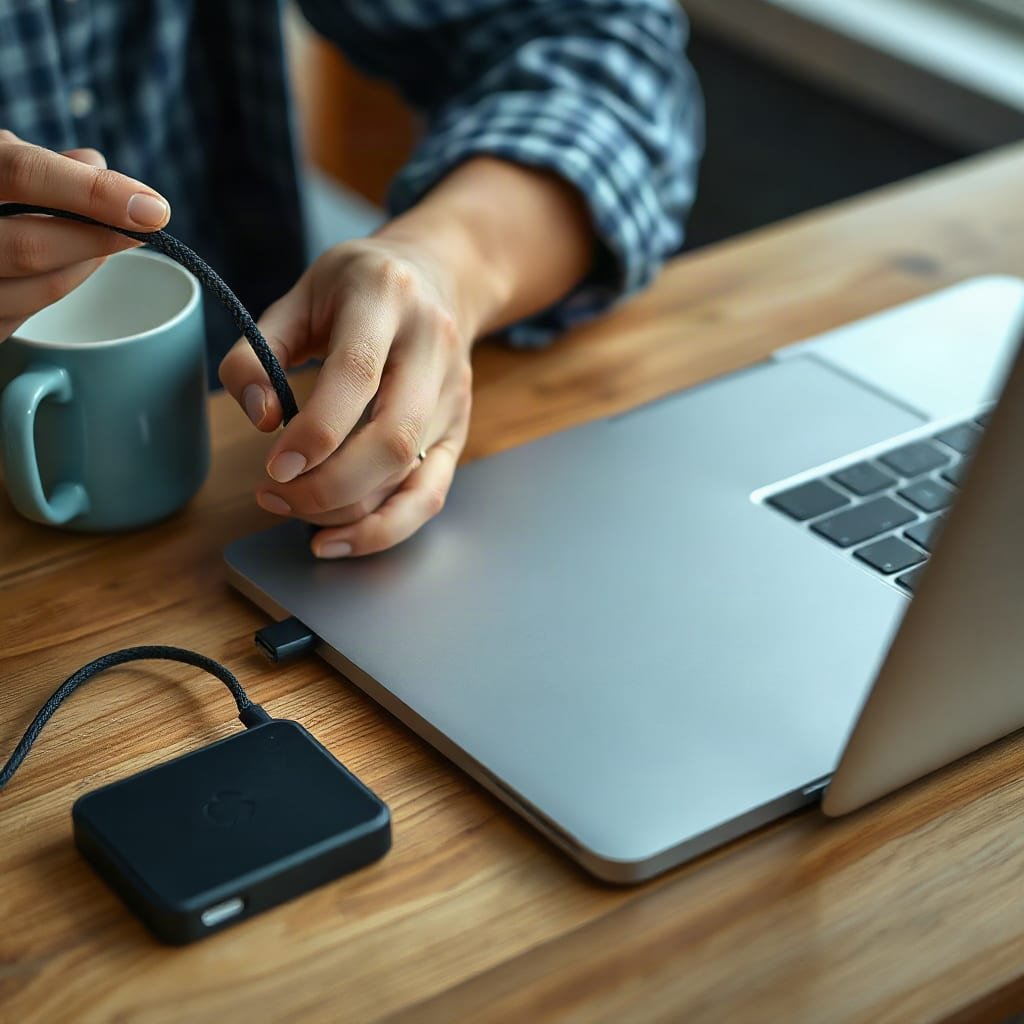
A "100W power bank" is only 100W on the right port, with the right cable, into a laptop that wants to negotiate it. Check these things before you blame the bank:
- Cable rating. USB-C cables are rated for 60W (3A) unless they carry an e-marker chip certifying 5A. Using a 60W cable limits you to 60W, whatever the bank says.
- Shared ports. On many banks, the 100W is available on one port only. Plug in a phone beside the laptop and the budget gets split.
- Pass-through charging. Using a bank while it's recharging itself, or charging while gaming, may be limited by heat. Look for explicit pass-through support in the spec sheet.
- Charge-on-the-go lag. Some laptops take 10 to 30 seconds to negotiate a power contract. Be patient before you swap cables.
How to Charge a Laptop With a Power Bank, With or Without Type C
If your laptop has a USB-C charging port, plug in a PD-capable bank with a good cable. Done.
If it has a barrel connector, you have two realistic options. First, a USB-C PD to DC trigger cable, matched to your laptop's voltage and tip size, which only works if the laptop runs at 20V or under. Second, a bank with a DC output or AC outlet. AC outlets lose extra energy to inversion, so you'll lose 10% to 20% of runtime. Whichever route you pick, match voltage first and tip size second. A wrong voltage can damage a laptop. For legacy barrel-jack gaming rigs above 100W, a bank is a poor fit.
Since the EU's common charger rules take effect for laptops from April 28, 2026, USB-C charging will become the norm on new models. That helps ultrabooks. It doesn't guarantee that every gaming laptop can run at full power from USB-C.
What Size Power Bank Do I Need? Can 10,000 or 20,000mAh Charge a Laptop?
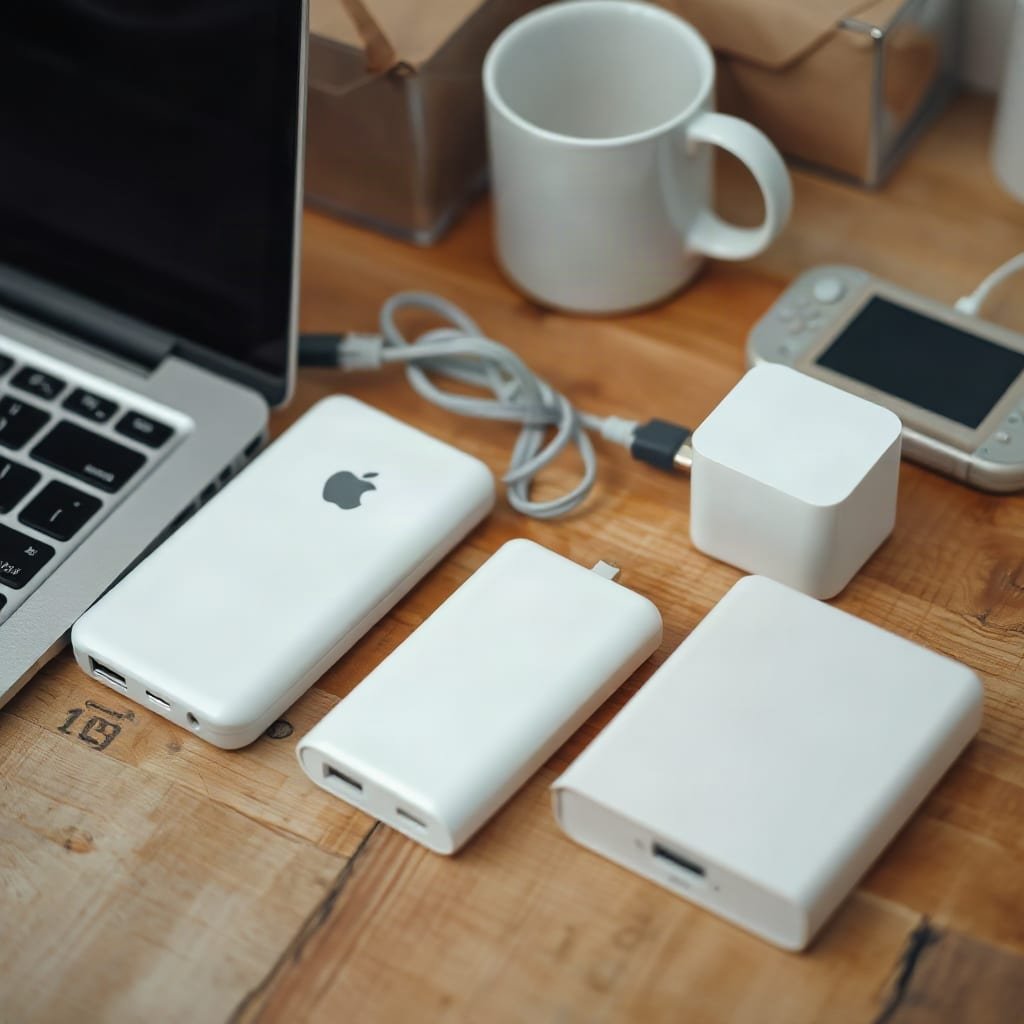
Work backward from your laptop's real draw, not its adapter rating. Multiply the watts you pull by the hours you want, then divide by about 0.8 to account for losses. Then match that to the bank's Wh rating.
| Bank capacity | Approx. energy | Usable (~80%) | Runtime at 100W | Runtime at 30W (light work) |
|---|---|---|---|---|
| 10,000mAh | 37Wh | ~30Wh | ~18 min | ~1 hr |
| 20,000mAh | 74Wh | ~59Wh | ~35 min | ~2 hr |
| 40,000mAh | 148Wh | ~118Wh | ~70 min | ~3.9 hr |
These are rules of thumb, not lab results. Efficiency varies by bank, temperature, and cable.
A 10,000mAh bank can charge a laptop only if it outputs USB-C PD at 45W or more. Many are capped at 20W to 30W, which a laptop under any real load will outpace. For a thin 60Wh laptop, a 10,000mAh bank adds about half a charge at best. A 20,000mAh unit is the realistic minimum for a MacBook-class laptop. For a gaming laptop, 40,000mAh is the only size that makes a meaningful dent.
Pro Tip: Before you travel, put a USB-C inline power meter between the bank and the laptop and run your actual game for ten minutes. You'll see the true draw, and you can test fixes. Capping frame rate at 60fps and trimming the GPU power limit often cuts draw enough to sit under 100W. A laptop that holds steady at 90W on a bank beats one that bounces between 150W and a throttled crawl.
Flying With a Big Bank: The 100Wh Line
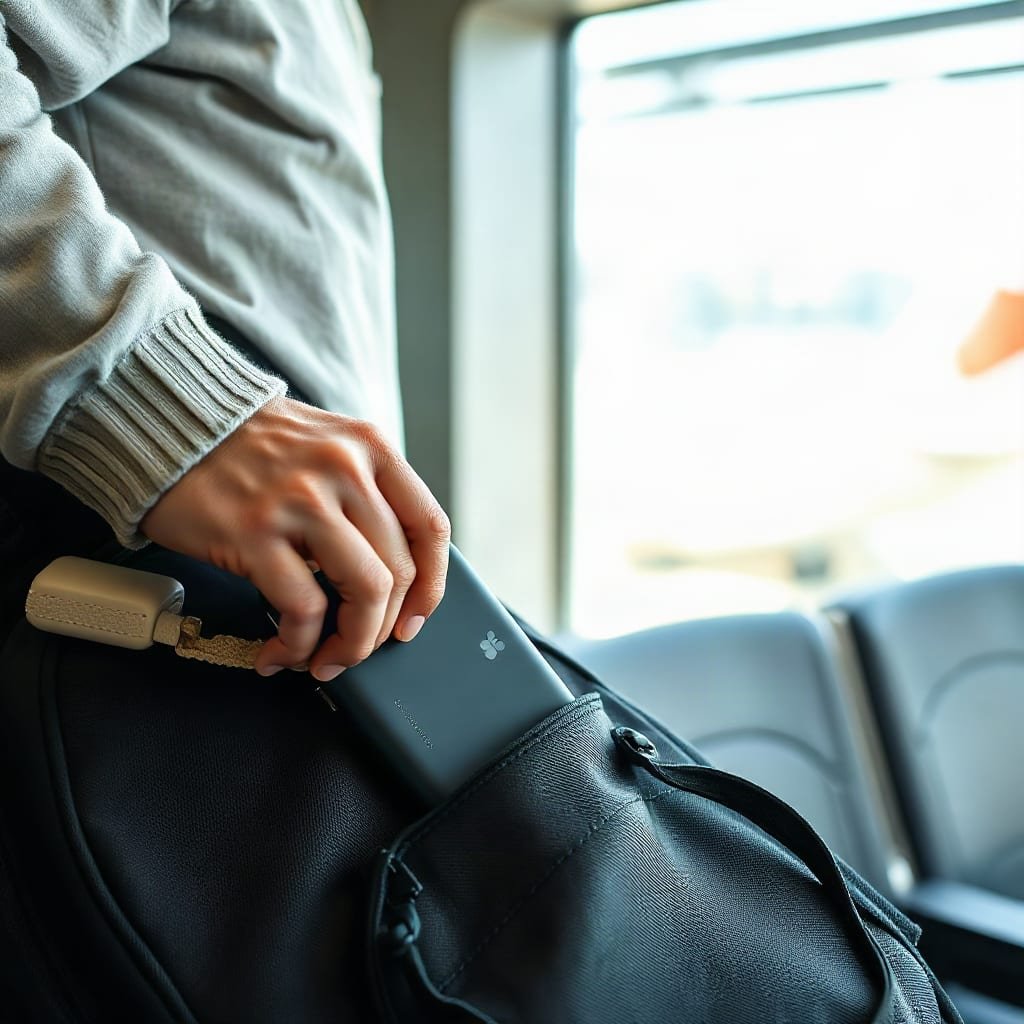
A bank big enough for a gaming laptop runs into aviation rules. The IATA lithium battery guidance and the FAA's PackSafe pages state that spare lithium batteries, including power banks, must travel in carry-on luggage, not checked bags. Units from 100Wh to 160Wh generally need airline approval, with a limit of two per passenger. Units above 160Wh are not allowed.
A 40,000mAh bank at about 148Wh falls in the approval band. It isn't banned, but you should check with the airline and carry the spec label where staff can see it. Airlines set their own policies within the rules, so confirm before you pack.
Can I Use a 100W Charger for My Power Bank?
Yes, if the bank supports that input. A power bank negotiates with the charger and takes whatever it can accept, up to its own input limit. A 100W charger on a bank with a 45W input simply charges at 45W. It won't harm it. The reverse is the problem: a 20W phone charger on a 40,000mAh bank can take more than a day.
Check the spec sheet for the input rating, not just the output. That includes ours. For off-grid top-ups, a 40W solar panel in full sun delivers real-world output well under its rating, so plan for a long day of sun to refill a large bank. Our guide to what solar phone chargers actually do covers realistic expectations.
Get 100W and 148Wh Into Your Pack for Off-Grid Work and Light Gaming
The problem this article describes is a mismatch: laptops want sustained watts, and most banks offer a spec-sheet number that falls apart under load. The Ifory 40,000mAh 100W Power Bank is built for the hard version of that job. It delivers 100W over USB-C for laptops, carries about 148Wh for roughly 70 minutes at full output, and has a rugged shell for campers, divers, and climbers. Pair it with the Portable Solar Panel (PD 40W) to recharge away from outlets. The bundle currently includes a free solar panel promotion, and shipping is free with 30-day returns.
The caveat is the one we've been explaining. It will not hold a 200W-plus gaming rig at full tilt, and at about 148Wh it needs airline approval for flights. It is best for ultrabooks, MacBooks, handheld consoles, and gaming laptops you can keep under 100W through a frame cap or lower power mode. Check your laptop's USB-C rating against our spec sheet before you buy.
Frequently Asked Questions
Can I charge my laptop using a power bank?
Yes, if the bank has a USB-C Power Delivery port that outputs enough wattage and your laptop accepts USB-C charging. Match the bank's output to your laptop's real draw, use a cable rated for the wattage, and expect the best results with a 20,000mAh or larger bank.
Can I use a 100W charger for my 120W laptop?
Usually yes. The laptop will accept the lower wattage and charge more slowly, and it may throttle under heavy load. Make sure the voltage and connector are compatible, and test a demanding workload before you rely on it.
What size power bank do I need?
Multiply your laptop's real wattage by the hours you want, divide by about 0.8, and compare the result to the bank's watt-hour rating. A 20,000mAh (about 74Wh) bank suits an ultrabook. A gaming laptop needs 40,000mAh (about 148Wh) to get a meaningful session.
Can I use a 100W charger for my power bank?
Yes, as long as the bank supports a high enough input. The bank takes only what its input circuitry allows, so a 100W charger on a 45W-input bank charges at 45W. Check the input rating on the spec sheet.
Can a 10,000mAh power bank charge my laptop?
Only a partial charge, and only if it outputs USB-C PD at 45W or more. A 10,000mAh bank holds about 37Wh, which is around half a charge for a thin 60Wh laptop and far less for a gaming model.
Sources
- USB Power Delivery | USB Implementers Forum
- Lithium Batteries guidance | International Air Transport Association (IATA)
- PackSafe: Lithium Batteries | Federal Aviation Administration (FAA)