
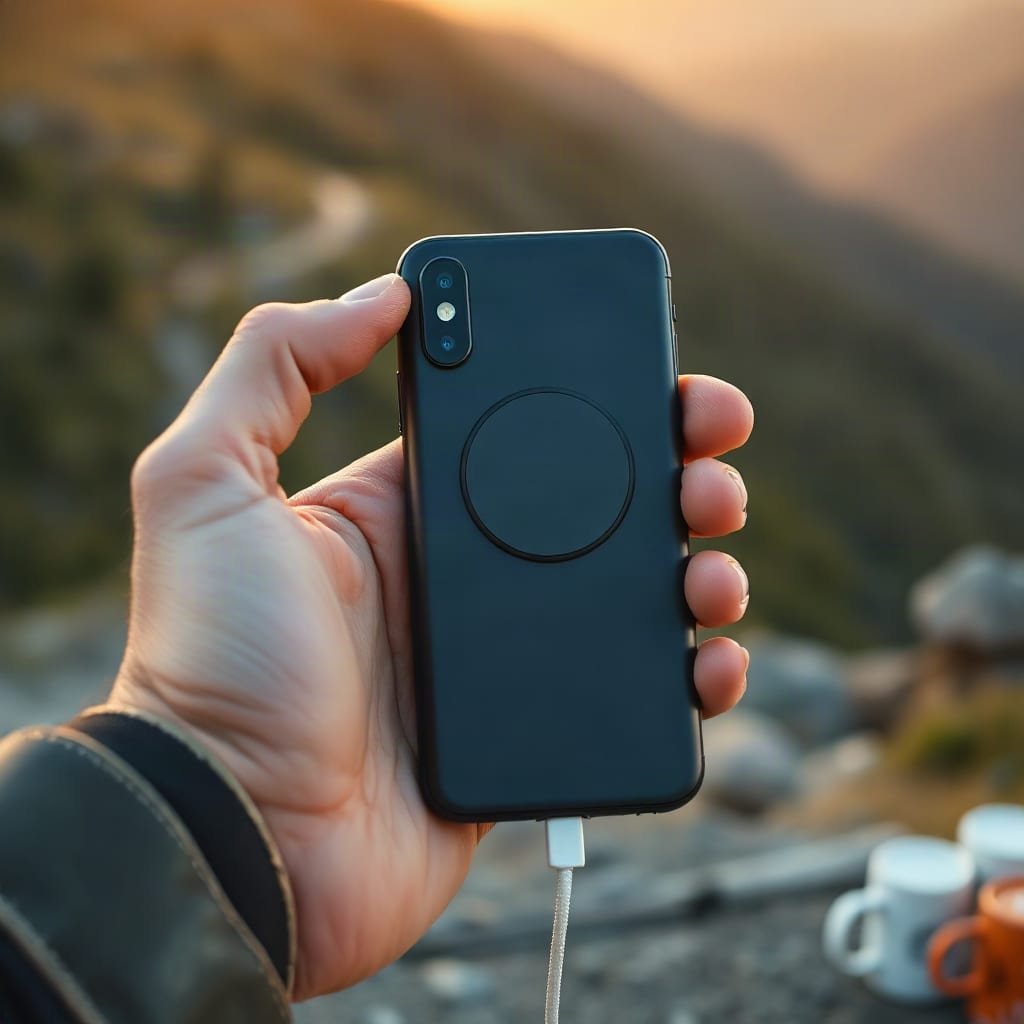
A Mac Go-style power bank is a magnetic Qi2 battery pack that snaps onto the back of your iPhone, and the number that matters is not the mAh on the box but how much survives the trip through the air. Wireless charging typically wastes 30 to 40 percent as heat, so a 10,000mAh pack gives you about 1.5 phone charges wirelessly and 2 or more by cable.
TL;DR:
- A 10,000mAh magnetic pack stores about 37Wh. After wireless losses, expect roughly 1.5 iPhone charges, not the 2.5 the label implies.
- Qi2 caps most magnetic packs at 15W. Any claim of "fast wireless" beyond that needs the 25W Qi2 extension, on both the pack and the phone.
- Port choice matters more than most buyers expect. A pack with a built-in USB-C cable or a second port saves you from carrying extra gear.
- Magnetic packs are great for a day out and wrong for a weekend away. Once you carry a laptop or console, you need wired power at 65W or more.
- Anything over 100Wh needs airline approval, so check the Wh label before you fly with a big pack.
Table of Contents
- Mac Go-Style Magnetic Power Banks: What You're Actually Buying
- 10,000mAh vs. 20,000mAh: How Many Charges You Really Get
- Qi2 at 15W, Qi2 at 25W, and Why "Fast Wireless" Isn't Always Fast
- Lightning, USB-C, and Slim Packs: Which Port Setup to Pick
- Reading Model Numbers: Same Capacity, Different Everything
- Setup and Manual Basics: Alignment, Cases and Heat
- When a Magnetic Pack Is the Wrong Answer, and What to Carry Instead
- Get Laptop-Class Power Where a Magnetic Pack Runs Out
- Frequently Asked Questions
- Sources
Mac Go-Style Magnetic Power Banks: What You're Actually Buying
Most people searching "Mac Go power bank" want one specific thing: a slim battery that clings to the back of an iPhone and charges it without a cable. That is a magnetic wireless power bank built on the Qi2 standard. The Wireless Power Consortium, which maintains Qi, introduced Qi2 with a Magnetic Power Profile based on the magnet-alignment approach Apple pioneered with MagSafe. The magnets hold the coil in the right place, which is what makes 15W wireless charging practical.
Three things define this category:
- Magnetic alignment. The magnet ring centers the coil on your phone's coil. Older wireless pads lost a lot of power to misalignment, and Qi2 mostly fixes that.
- A modest battery. Most packs run 5,000 to 10,000mAh. Bigger cells are heavy, and a heavy pack on the back of a phone gets annoying quickly.
- A wired fallback. Nearly every good pack also has a USB-C port, because wired charging is faster and wastes less energy.
If you want a slim top-up for a commute or a day of sightseeing, this is the right category. If you're planning a weekend off-grid, keep reading, because the math changes.
10,000mAh vs. 20,000mAh: How Many Charges You Really Get
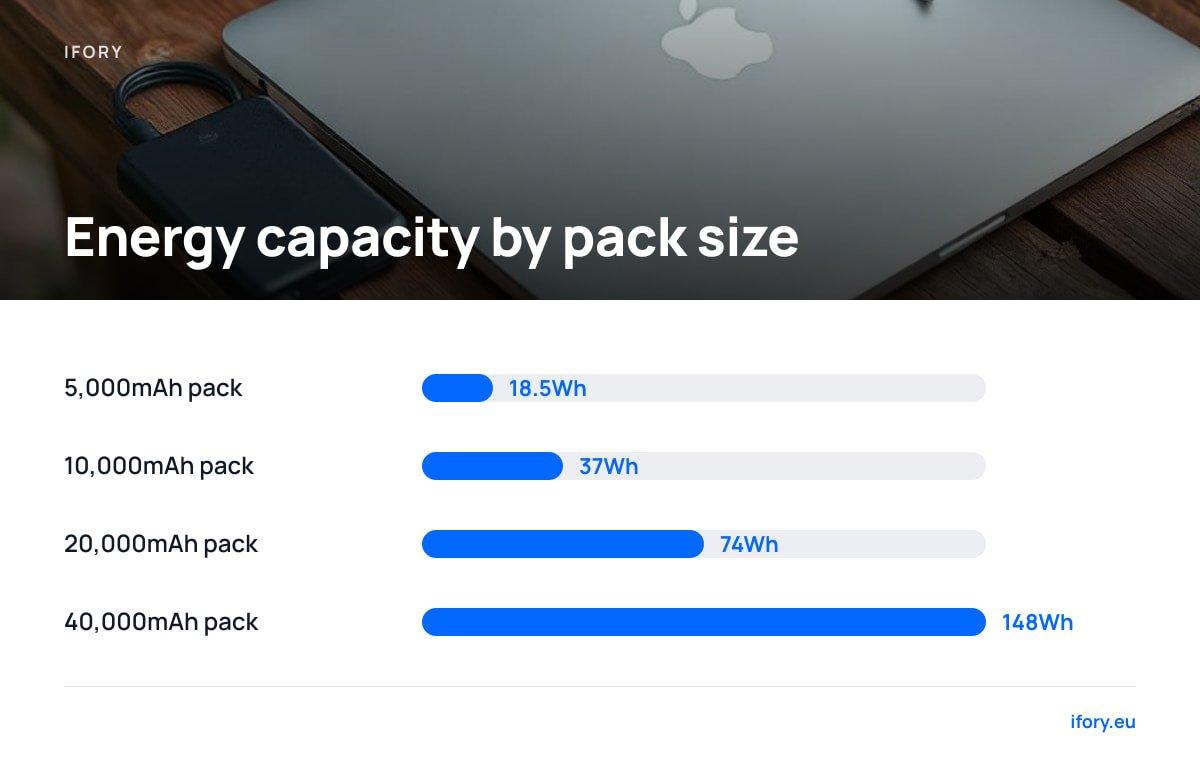
Capacity labels are rated at the cell's nominal voltage, usually 3.7V. That means a 10,000mAh pack holds about 37Wh, and an iPhone battery holds roughly 13 to 17Wh depending on the model. The simple division says you get two to three charges. Real life says otherwise, because energy is lost in voltage conversion and, with wireless, as heat in the coils.
A 10,000mAh pack is about 37Wh on paper. After wireless losses of 30 to 40 percent, you get roughly 24Wh into your phone, which is a bit over one and a half charges.
Here is a realistic comparison, assuming a 15Wh phone, about 65 percent efficiency wirelessly, and about 85 percent by cable. These are typical ranges, not lab guarantees, so your results will vary with temperature, case thickness and phone model.
| Pack size | Energy (approx.) | Wireless charges | Wired charges |
|---|---|---|---|
| 5,000mAh | 18.5Wh | ~0.8 | ~1.0 |
| 10,000mAh | 37Wh | ~1.6 | ~2.1 |
| 20,000mAh | 74Wh | ~3.2 | ~4.2 |
| 40,000mAh | 148Wh | n/a (wired only) | ~8 |
My pick: if you want one magnetic pack, buy 10,000mAh, not 5,000. The 5,000mAh packs barely beat one full charge once heat is accounted for, so you pay for a pack that can't fully do its one job. Skip 20,000mAh in a magnetic format, because at that weight you'll stop snapping it onto your phone and start carrying it in a bag, where the magnets add nothing.
Qi2 at 15W, Qi2 at 25W, and Why "Fast Wireless" Isn't Always Fast
Qi2 as first released tops out at 15W. The Wireless Power Consortium has since published a 25W extension, but you only get 25W if both the pack and the phone support it. Many phones, including a lot of older and current iPhones, still charge at 15W over Qi2, so a 25W-rated pack would simply run at 15W with them.
What that means in practice:
- Check the phone first. Your phone sets the ceiling. Buying a 25W pack for a 15W phone gets you nothing today.
- Expect a slowdown past 80 percent. Phones taper their charging rate near the top to protect the battery, so "0 to 50 percent in 30 minutes" is believable and "0 to 100 in 30" is not.
- Heat throttles you. A phone resting on a warm pack in a warm pocket will drop its charge rate or pause. Wireless charging in summer is noticeably slower than in a cool room.
If you need speed, use the cable. USB Power Delivery, the specification managed by the USB Implementers Forum, lets a modern phone pull 20W or more over a wire with less waste than any wireless coil.
Lightning, USB-C, and Slim Packs: Which Port Setup to Pick
Port layout is where buyers get caught. An older phone with a Lightning port won't get any benefit from a USB-C-only pack if you forget the cable, whereas a magnetic pack works wirelessly with either port type. That is one of the few cases where the wireless format is the clear answer.
- Slim packs of about 5,000mAh. They are pocketable and light. Fine for emergencies, but you'll be topping up the pack itself constantly.
- Mid-size 10,000mAh packs with a USB-C port. This is the sweet spot. Wireless on the go, wired for a faster boost, and the same port charges the pack itself.
- Packs with a built-in cable. Convenient, but a frayed built-in cable kills the whole device. If you travel hard, pick a pack with a replaceable cable.
Also check pass-through. Some packs can charge a phone while recharging themselves, but doing both at once generates heat and slows the pack's own refill considerably.
Reading Model Numbers: Same Capacity, Different Everything
Brands tend to sell several generations of the same capacity side by side, and the product names don't say much. Two packs both labeled 10,000mAh can differ in wireless wattage, wired output, cable included, kickstand, magnet strength and weight. When you compare an older and a newer model, check these five lines on the spec sheet:
- Wireless output. 7.5W, 15W or 25W is the first difference that changes your daily experience.
- Wired output. 20W is the minimum for phones. 30W is a bonus if you want to top up a small tablet.
- Qi2 certification. Certified packs are tested against the standard. A pack that merely says "magnetic" may use weaker magnets and slip off.
- Weight. Under 200 grams is comfortable on a phone. Over 250 grams and the pack starts to pull the phone down in your hand.
- Recharge time. A pack that takes five hours to refill is a pack you forget to charge.
Setup and Manual Basics: Alignment, Cases and Heat
Most instruction manuals for these packs boil down to a few rules that people skip.
- Use a magnet-compatible case. A thick non-magnetic case or a metal plate behind the phone weakens the grip and cuts charging speed.
- Charge the pack first, then the phone. Don't plug your pack into a wall and expect it to charge your phone at full speed at the same time.
- Don't wireless-charge in a sealed pocket or under a pillow. Heat is the main enemy of both your phone battery and the pack.
- Store at about half charge. If you won't use the pack for weeks, don't leave it empty or full.
Pro Tip: When your phone is under 20 percent and you're in a hurry, use the cable, not the magnets. Then switch to wireless once the phone is above 40 percent and you're sitting down for a coffee. The cable gets you the fast part of the charging curve with minimal waste, while wireless is best for slow top-ups where the heat doesn't matter.
When a Magnetic Pack Is the Wrong Answer, and What to Carry Instead
The obvious answer, "buy the slim magnetic pack," is wrong in three common cases.
You carry a laptop or handheld console
A 15W wireless pack can't run a laptop. Laptops need 45 to 100W over a wire, and a 37Wh pack holds less than half a typical laptop battery anyway. If that is your situation, our guide on whether a 100W power bank can charge a gaming laptop has real numbers.
You are off-grid for more than a day
Two charges don't last a weekend of camping, diving trips or multi-day hikes. You need either far more capacity or a way to refill. Pairing a bank with a panel works, though results depend heavily on sun; our solar phone charger guide explains what to expect.
You fly with your power bank
The FAA's lithium battery guidance says spare lithium batteries must travel in carry-on bags. Power banks up to 100Wh are generally allowed, and those between 100 and 160Wh need airline approval, usually limited to two. A 10,000mAh magnetic pack is far below the threshold, but large banks aren't. Our breakdown of power banks over 100Wh on planes shows what airlines actually allow.
Get Laptop-Class Power Where a Magnetic Pack Runs Out
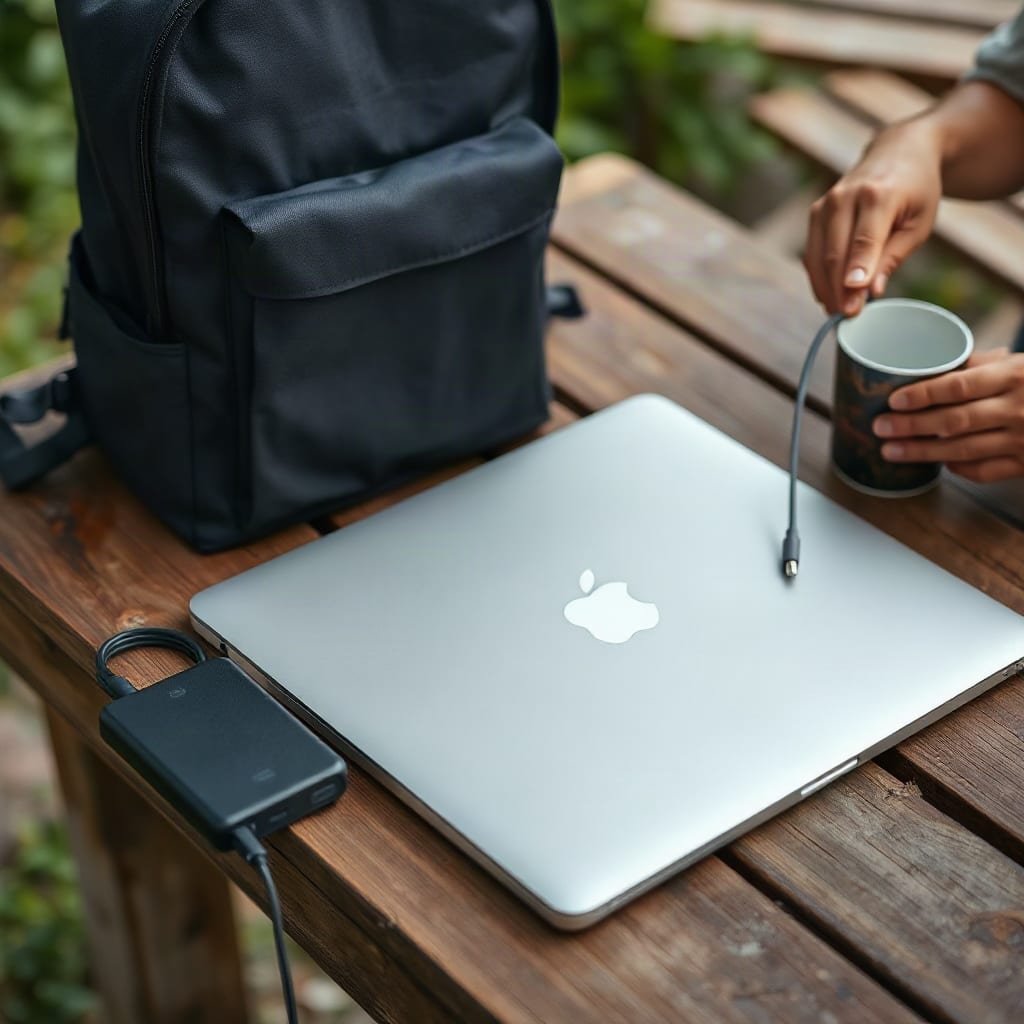
A magnetic pack is a fine day companion. It stops being enough the moment you have a laptop, a tablet and a phone to keep alive away from outlets. That's the gap the Ifory 40,000mAh 100W Power Bank is built for. It delivers up to 100W over USB-C, so it can charge a laptop, a handheld console and your phone from one rugged unit, and it can be refilled off-grid with the companion 40W Portable Solar Panel (PD, 21.88V/2.19A). The bundle comes with the panel free during the current promotion, plus free shipping and 30-day returns.
Here is the honest caveat. At 40,000mAh, the pack is well above the 100Wh airline line, so you'll need airline approval before flying with it, and you should check the Wh figure on the spec sheet. It is also wired-only, with no magnets, and heavier than a slim pack. For a day in the city, buy the slim magnetic pack. For a weekend away from the mains, this is the one I'd put in the bag.
Frequently Asked Questions
Is "Mac Go" the same as a MagSafe power bank?
Not exactly. "Mac Go" is most likely a misspelling of a magnetic power bank search, and the standard behind these packs is Qi2. Qi2 uses the same magnet-alignment idea as MagSafe, so a Qi2-certified pack works with MagSafe-capable iPhones at up to 15W.
How many times can a 10,000mAh magnetic power bank charge an iPhone?
Roughly 1.5 to 1.7 times wirelessly and about 2 times by cable, depending on the phone model and temperature. The label shows 10,000mAh at 3.7V, about 37Wh, but conversion and heat losses cut what reaches your phone.
Is 15W wireless charging really fast?
It's fast for wireless, and about as fast as most current phones accept over Qi2, but a wired USB-C connection is usually faster and wastes less energy. Charging also slows once your phone passes about 80 percent.
Can a magnetic power bank charge a laptop?
No. Magnetic packs output 15W wirelessly and around 20 to 30W over USB-C, while most laptops need 45 to 100W. A laptop needs a high-output wired power bank.
Can I take a magnetic power bank on a plane?
Yes. Packs of 10,000mAh are about 37Wh, far below the 100Wh limit, and the FAA requires spare lithium batteries to travel in carry-on luggage, not checked bags. Check your airline's own rules as well.
Sources
- Qi2 wireless charging standard | Wireless Power Consortium
- USB Power Delivery | USB Implementers Forum
- Lithium Batteries (PackSafe) | Federal Aviation Administration